
JB Zentools 2 Module & Plugin and JB ZenShortcodes Plugin updated for bug fixes
17 May 2019 - Written by Editorial Team
Posted in Joomla Templates
Hi,
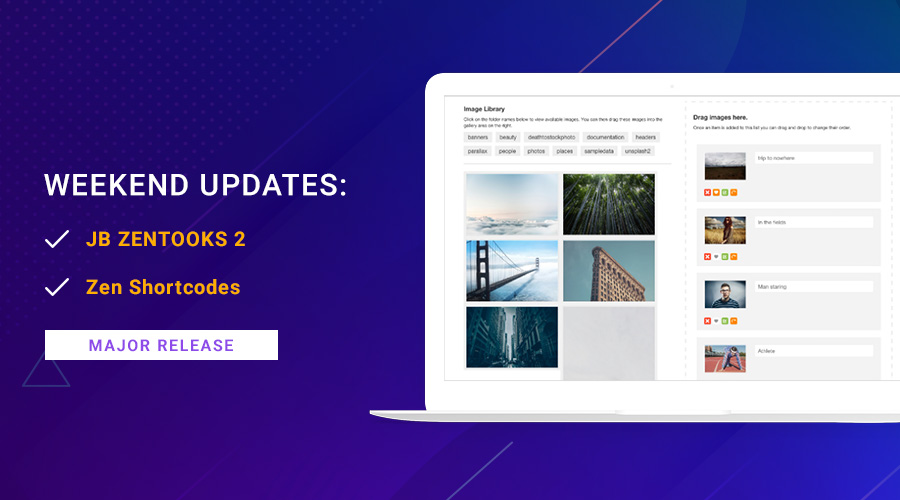
Today, we are releasing updates for JB Zentools 2 Module & Plugin and JB Zen Shortcodes Plugin for Joomla 3.9.6 compatibility and bug fixes.
JB Contact Extension
20 Oct 2017 - Written by aulo Griiettner
Posted in Joomla Extensions
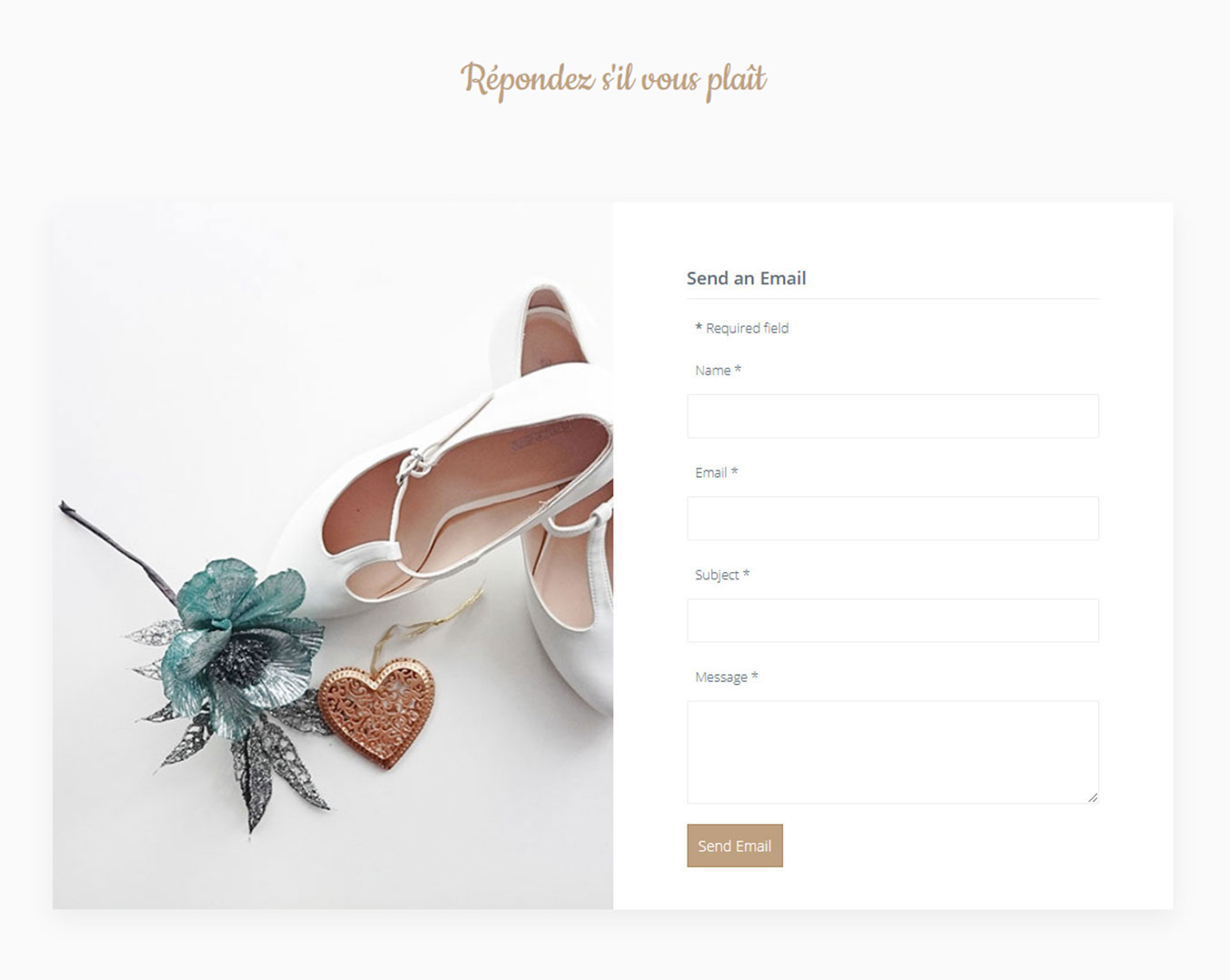
Along side the September template release we are releasing two new extensions, one of which is JB Contact. The JB Contact module is a quick contact form that displays name, email, subject and message fields.
JB Countdown Extension
16 Oct 2017 - Written by Paul Burndred
Posted in Joomla Extensions

As part of the Wedding template which is due for release later this week we are also launching a new extension called JB Countdown.
Shortcodes v1.7.1 released
12 Sep 2017 - Written by Paul Burndred
Posted in Joomla Extensions

With the recent release of K2 2.8.0, there is a conflict with the Joomla Bamboo shortcodes plugin.
We have now released Shortcodes v1.7.1 to fix this problem.
Zentools v2.3.7 released
12 Sep 2017 - Written by Paul Burndred
Posted in Joomla Extensions

We have released a new version of Zentools2 that includes several updates and bug fixes.
We have jumped a few version numbers with the version prior to this release being v2.3.3.
What's new in Zentools2
27 Jan 2016 - Written by Anthony Olsen
Posted in Joomla Extensions
I've been working feverishly on Zentools2 this last month adding a ton of new features and requested content sources. What started out as a quick update very quickly turned into an obsessive bug fix / feature adding session. In fact the scope and scale of this update grew so much that I decided to make this new version of Zentools2 the offering for our club members this month.
This update adds to an already flexible and versatile extension by adding 5 new content sources, a fully enhanced curated gallery that can now be used to create a Paypal driven shop and embed social content, a lightbox that can play video and so much more.
Exif data for Zentools2 explained
11 Jan 2016 - Written by Anthony Olsen
Posted in Joomla Extensions

Over the last few days I've been fleshing out the documentation for Zentools2 and while there are still a few holes I thought I would let you know that I've detailed the documentation for using Exif data in Zentools2.
Exif data for images, manual links for Zentools2 plus an update
16 Sep 2015 - Written by Anthony Olsen
Posted in Joomla Extensions
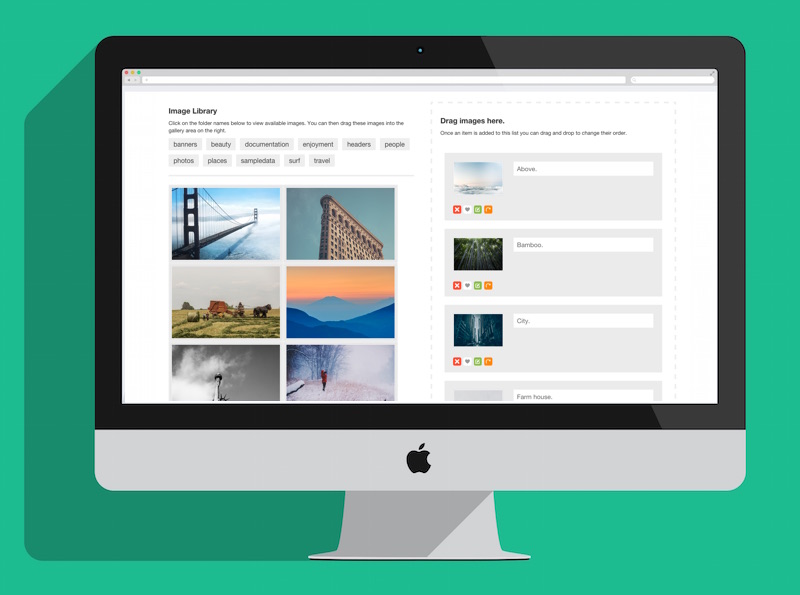
It's been a few months since we released Zentools v2 - our responsive gallery module for Joomla 3 - and during that time we have been busily integrating it into all of our new Joomla templates.
The response to Zentools v2 has been great and we have received a lot of great feedback from users regarding what they want to see in future versions. I've just released v1.1 which features a few major user motivated requests that add some great new features to the module.
You can read the full changelog over here or check out a quick overview below:
A small update for Zentools v2
21 Aug 2015 - Written by Anthony Olsen
Posted in Joomla Extensions
Zentools2 v1.0.9 is now available for download.
This is a minor update with some some additions as well as tweaks and fixes, including the addition of image hover fade effects where images can fade to black or white when a user hovers over the image.
Please note that after installing this version of Zentools2 you will also need to recreate the master css via the theme tab for some of the fixes to take effect.
v1.1 will be ready next week.
For those of you waiting for the addition external links and some other new features, they will be released in a version of Zentools scheduled for release next week.
UPDATE - Ive just released a beta version of 1.1 with manual link option on the forum.
Meet Zentools2 and a 30% off coupon
10 Jun 2015 - Written by Anthony Olsen
Posted in Joomla Extensions
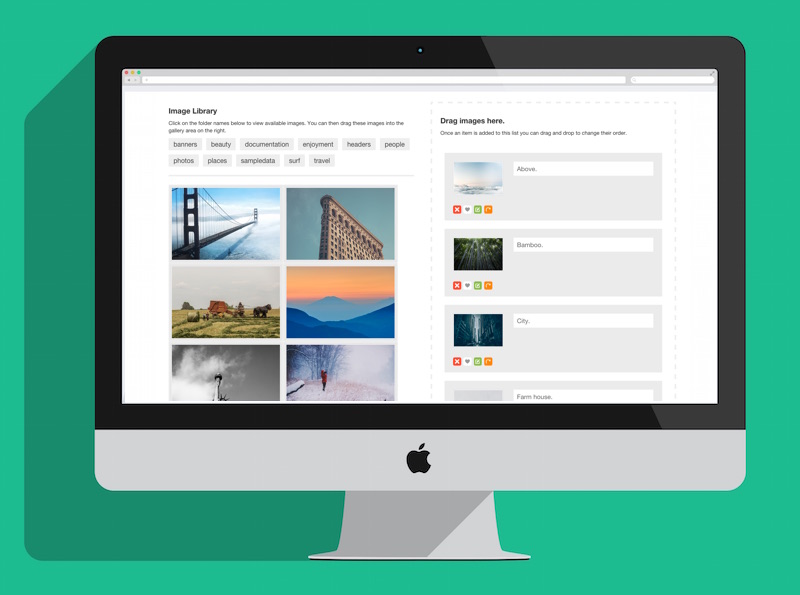
It's with great pleasure that I am able to announce the release of Zentools2. This is a major milestone in the history of Joomlabamboo and has been in the planning for a very long time.
Zentools2 is a completely rewritten and redesigned module that features most of the elements of the original version with a ton of new additions that will make Zentools2 a necessary part of your Joomla site building kit.
Celebrate with a Coupon
To help us celebrate the release of Zentools2 we have released a new coupon. You can take 30% off your next subscription by using the coupon "zentools2" on our checkout page.
Please note: This offer is available for a limited time only and will end on the 14th June 2015.
All members also receive an extra month
As I mentioned in the blog post last week, all of our members have had an extra month added to their subscription. We didn't release a theme last month and so to keep with our committment to provide a release each month we have extended everyone's subscription for a month. For member's whose subscription expired in May or the start of June please get in contact with us and we will extend your subscription as well.
Maps2 Update Adds Panoramio Image Layer, Map Resize Triggers and Bug Fixes
19 Aug 2014 - Written by Rob Went
Posted in Joomla Extensions
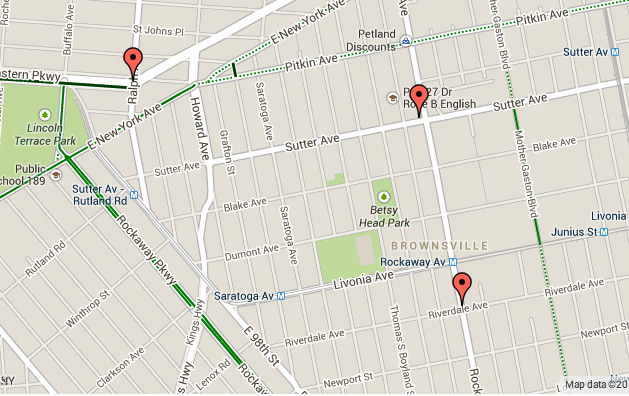
An update has just been released for our Google maps module, Maps2, which adds new layers and some new options to make certain mapping caveats easier to deal with. You can grab your free copy of the Maps2 module here.
New layouts and effects for Zentools
24 Jun 2014 - Written by Anthony Olsen
Posted in Joomla Extensions
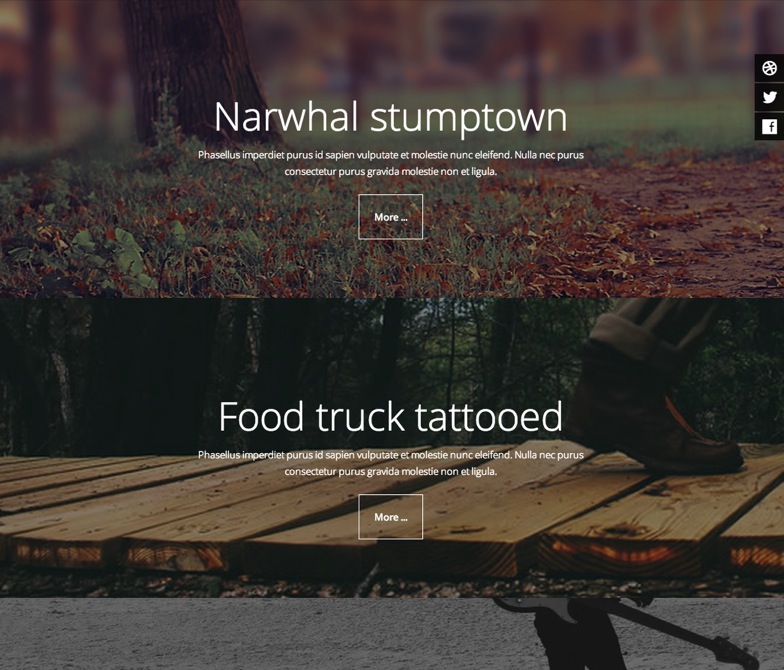
An update to our flagship responsive Joomla module, Zentools, was released a few days ago which contains a couple of new handy features. If you are new to Zentools, it's basically the all in one module that we use to build much of the functionality you see in our Joomla templates.
Stacked Layout
The stacked layout is a new way to organise your content. It's a faux parallax effect that uses fixed positioning for background images which sit underneath your item's content.